MacOS Sequoia: Wireless Charging Meets Seamless Productivity
Published
November 29, 2024
The UTS-2 by Kew Labs: Wireless Charging Meets Seamless Productivity
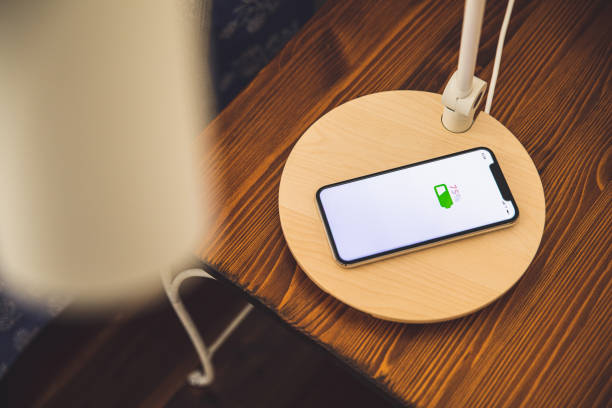
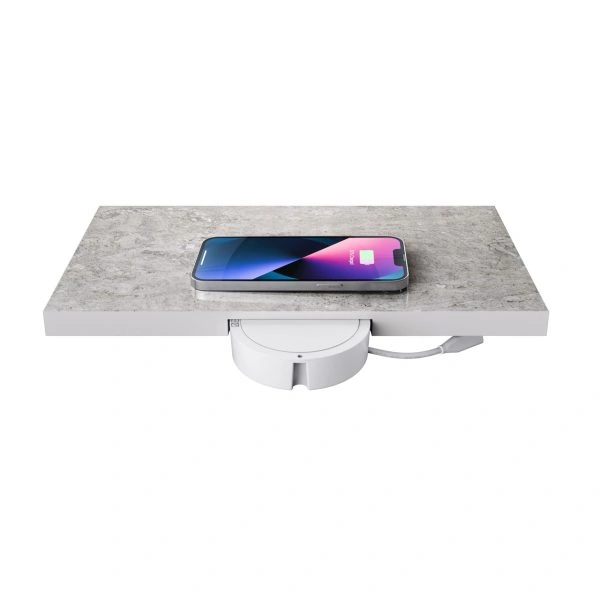
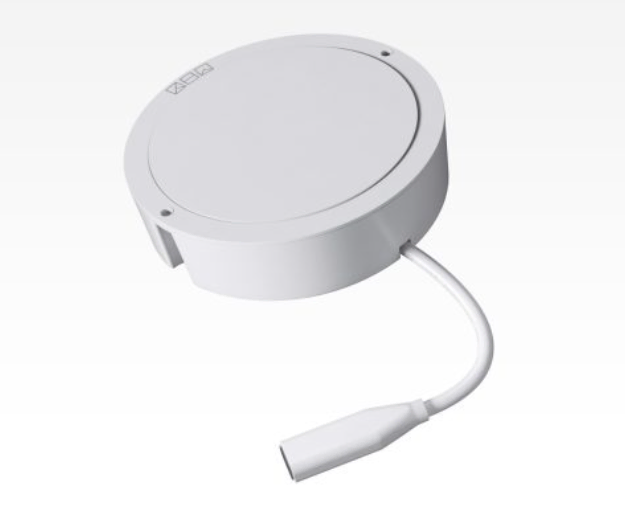
In a world of smart homes and minimalist designs, the UTS-2 wireless charger by Kew Labs has carved a niche as an innovative solution for decluttered, modern living. This invisible wireless charger takes convenience to a whole new level, transforming any non-metallic surface into a charging hotspot. Whether it’s your kitchen counter, work desk, or bedside table, the UTS-2 hides discreetly beneath the surface, delivering power without any visible cords or bulky charging docks.
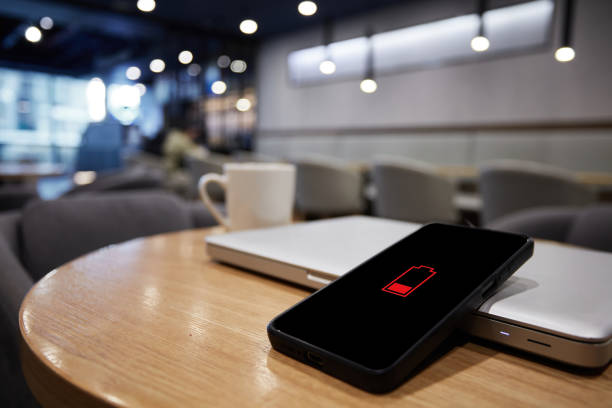
But as with many wireless chargers, one challenge has persisted: the moment you pick up your phone to check a notification or respond to a message, the charging process is interrupted. For those of us who work on the go or rely on our phones for constant updates, this can feel like a step backward in convenience.
What Makes the UTS-2 Special?
The UTS-2 is no ordinary wireless charger. It’s designed with both style and functionality in mind, appealing to homeowners, professionals, and anyone who values a streamlined environment. Here’s why it’s gaining popularity:
- Invisible Design: The UTS-2 is installed under the surface of a non-metallic table or counter, completely hidden from view. This maintains the aesthetic appeal of your furniture while providing a practical charging solution.
- Versatility: It works through a wide range of materials, including wood, glass, marble, and quartz, with thicknesses between 8-12mm (0.3″-0.5″), making it perfect for almost any setting with plenty of materials already at a plug and play thickness.
- Durability: Built with premium components, the UTS-2 ensures reliable performance over time, even in high-usage environments like kitchens and workspaces.
Whether you’re working at your desk or unwinding by your bedside, the UTS-2 blends into your daily life without disrupting your routine.
The Pain Point: Disconnected Charging When You Pick Up Your Phone
As convenient as wireless charging is, it has one major limitation: picking up your phone to respond to a text or check an app interrupts the charging process. For many, this is a frustrating compromise, especially when staying connected is non-negotiable.
Imagine this scenario: you’re in the middle of a busy workday, and your phone is charging on the UTS-2. A notification pops up—maybe a Slack message or an important email. You pick up your phone to check it, but as soon as you do, the charging stops. Over time, these interruptions add up, leaving your phone with less charge than expected.
Enter MacOS Sequoia: The Solution to Wireless Charging Interruptions
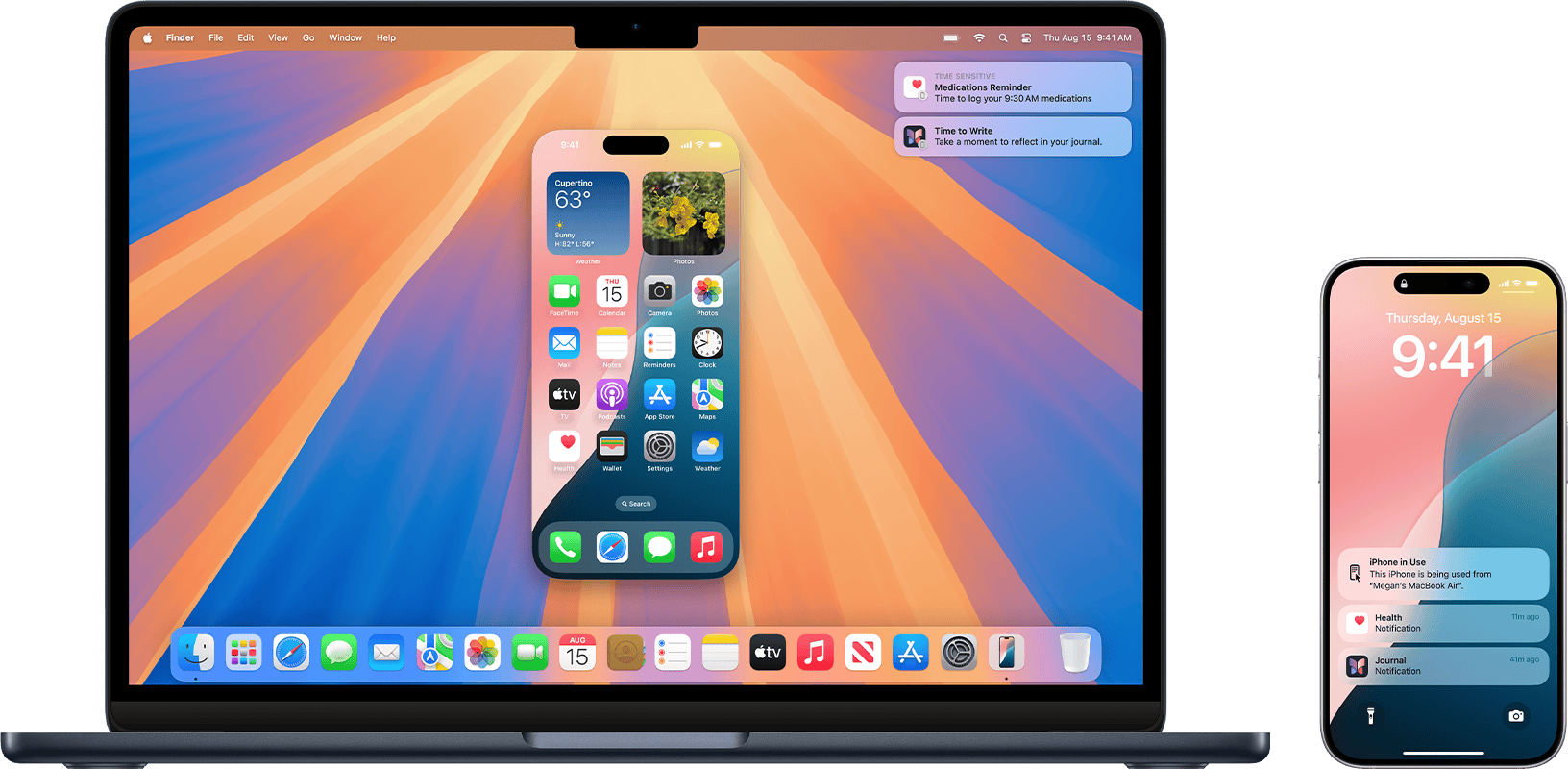
Apple’s latest MacOS Sequoia update is a game-changer for wireless charging users, introducing iPhone screen mirroring directly to your MacBook or iMac. This feature allows you to stay connected to your phone without physically interacting with it, keeping the charging uninterrupted.
How iPhone Screen Mirroring Works
With MacOS Sequoia, Apple has streamlined the process of integrating your iPhone with your Mac:
- Simple Setup: Pair your iPhone and MacBook using Wi-Fi or a lightning cable. Once connected, enable screen mirroring through the Control Center.
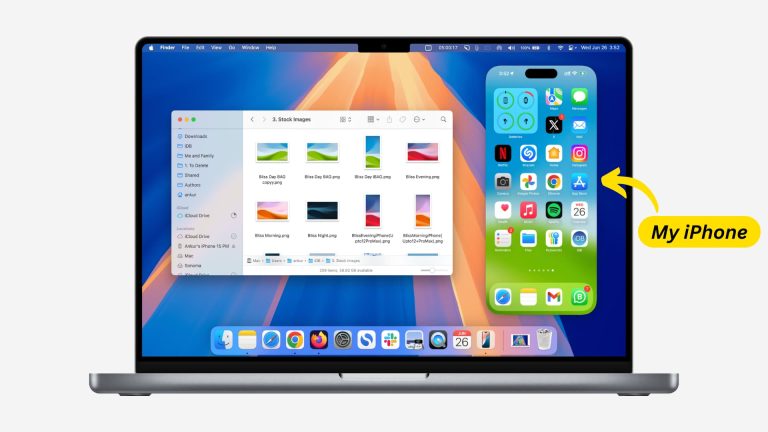
- Full Phone Access: Your iPhone’s interface appears on your Mac screen, allowing you to view notifications, send messages, and interact with apps as if you were holding your phone.
- Real-Time Updates: You can manage tasks and respond to notifications instantly, all while your iPhone remains on the charger.
Why the UTS-2 and MacOS Sequoia Are a Perfect Match
When paired with the UTS-2, MacOS Sequoia’s screen mirroring feature solves one of the most common pain points of wireless charging: the need to pick up your phone. Here’s how they complement each other:
- Uninterrupted Charging: With screen mirroring, you can interact with your phone directly from your Mac, ensuring the charging process remains consistent.
- Improved Workflow: Handle messages, emails, and apps seamlessly without switching between devices or interrupting your phone’s battery recharge.
- Enhanced Multitasking: Access your iPhone’s functionality without missing a beat on your Mac, creating a smoother, more efficient workflow.